Economy
Temporary research boosts
Increase ordinary Research output and understand the extra upkeep.
Reviewed
This guide follows the current client. Available actions depend on your empire, permissions and the release running in your world.
What a boost changes
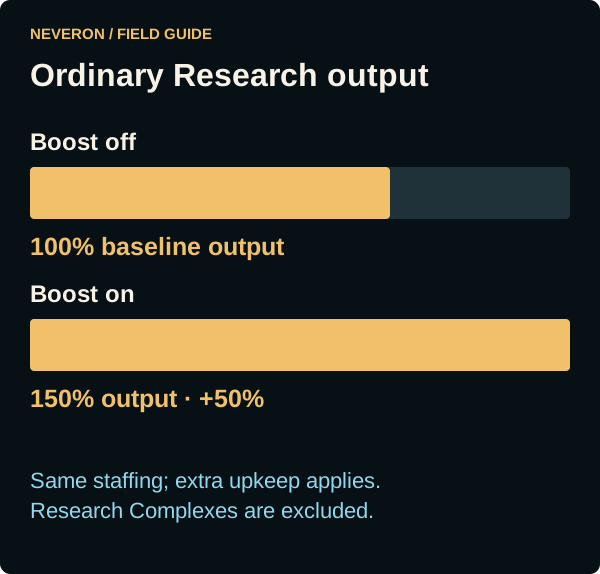
The boost panel above Research increases staffed ordinary Research building output by 50%. It adds upkeep proportional to staffing. Research Complexes are excluded. Check the panel's current output, staffing and extra cost before enabling it; a boost does not create extra workers or buildings.
Switch on and schedule a stop
- Open Economy → Research and review the boost panel.
- Optionally choose a future stop time in your local timezone.
- Use the On/Off toggle and wait for the confirmed status.
While active, choosing or changing the end time saves it immediately. Clearing the picker removes the scheduled stop. Use the toggle to stop immediately, including while editing the time.
Funding and Finance
The game stops the boost if it becomes unaffordable. Adding money afterwards does not automatically restart it. Check the confirmed state when returning to Research.
Finance's Research Boost expense is the projected extra upkeep. Actual interval charges appear separately in the transaction list. The panel's current quote accounts for the rules and coverage applying to your empire.
If activation is unavailable
Check that you have staffed ordinary Research buildings, enough funds and permission to manage research. Correct an invalid stop time before activating. An active boost can still be stopped even when new activation is unavailable.