Military
Military command and support
Organize units and formations while watching readiness and support load.
Reviewed
Available actions depend on your empire, permissions and the release running in your world. The commissioning completion feedback described here is prepared for the next client publication.
Find and select units
Open Forces → Military. Tabs separate individual units, deployed towers, formations and empire-wide Military Support. Filter the roster by type, training, mobilization or formation.
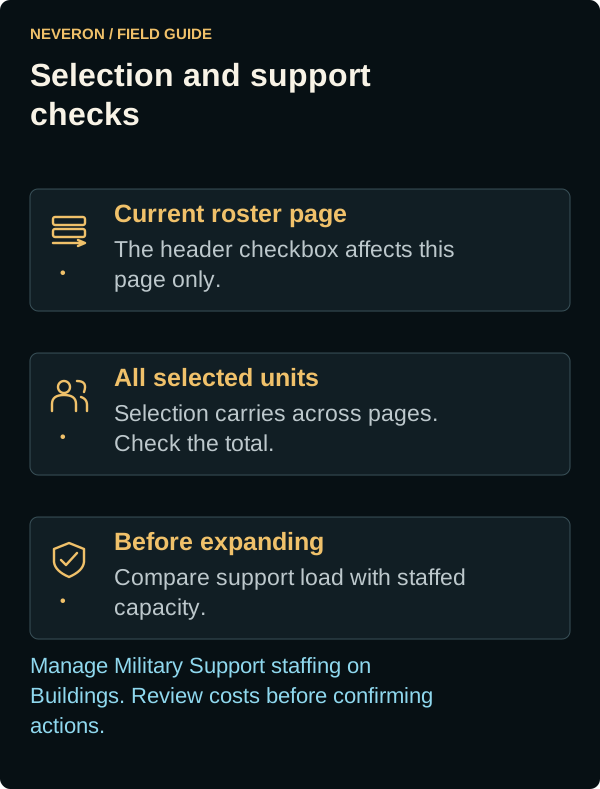
The unit list shows 100 rows per page. Selections remain across pages; the header checkbox changes only the current page. Check the toolbar's total selected count before acting on a large force.
Organize your force
The toolbar changes with the active tab and selection. Use the offered controls for commissioning, formation assignments, relocation and mobilization. Inspect each confirmation's units, destination, costs and restrictions before submitting. The empire-wide training level applies to new or actively training units.
After submitting a commissioning request, wait for its result before trying again. A successful request closes the commissioning dialog and shows Unit commissioning completed.; the roster and stored inventory update automatically. If the request is rejected, the dialog stays open with your choices available so you can correct the problem and retry.
Staff your support capacity
Military Support compares force-wide load with staffed capacity and shows projected ownership cost and a grace deadline. Consequences ramp through 33%, 66% and 100% in 30-day phases. Use Buildings to manage Military Support staffing; the Military page explains the resulting capacity.
For one owned zone, open Zone and check Local Military Support for stationed and incoming load, defensive capacity and overflow consequences. The panel loads once the selected zone and your empire are known and refreshes when support changes. Support details for other empires' zones are unavailable.
Towers and different storage/readiness states contribute differently. Check their shown Support Points and the force-wide estimate before expanding. Mothballed storage and recommissioning are managed through Manufacturing.
Keep readiness separate from future warfare
Land War Pressure summarizes reserve, standing-army, mobilization, staging and drop capacity. These planning controls do not mean the full hostile attack workflow is available. Read the War Room guide before making a strategic-war plan.