Community
Factions and shared services
Join a faction, coordinate production and find permitted shared services.
Reviewed
This guide follows the current client. Available actions depend on your empire, permissions and the release running in your world.
Find or manage your faction
Open Empire → Faction. If unaligned, review the available factions and application controls. If already a member, inspect your faction overview and roster. Administrative tabs and actions depend on your role and permissions.
Coordinate production and funding
The manufacturing requests tab tracks items needed by members, who is handling each request and its completion. Use it alongside Manufacturing's faction requests view to keep production and delivery coordinated.
Authorized faction administrators can manage details, logo, description, benefits and recurring transfers. Review the recipient, amount and recurrence carefully before committing faction funding. Finance includes scheduled transfers in cashflow.
Use shared services
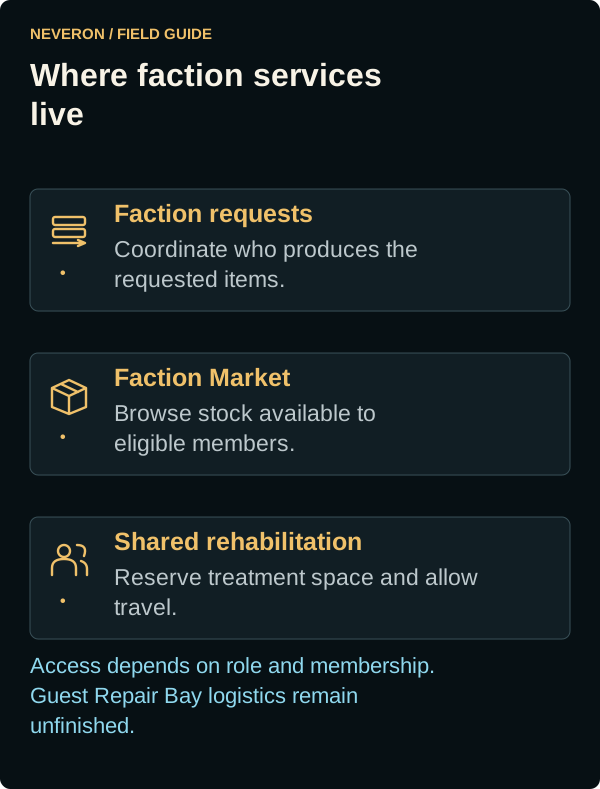
Faction Market gives access to eligible faction listings. Rehabilitation can offer centres shared by faction members, with capacity reservation and travel for treatment. Check current availability and the service owner's sharing settings.
A Repair Bay's sharing preference does not yet provide the full guest repair or recovery service. Those integrations remain dependent on unfinished Land War logistics.
Membership and access
Faction permissions are separate from delegated empire access. Changing membership can change access to stock, conversations and shared services. Review active requests and commitments before leaving; do not assume a former faction's services remain available.