Community
Chat and messages
Use channels, insert emoji and manage your own eligible messages.
Reviewed
Chat channels depend on current access. Author deletion is separately enabled by the server; older messages may not have verified authorship.
Open a conversation
Use the chat button in the game shell. Choose an available channel before composing; faction and other restricted channels follow current membership and permissions.
Insert emoji
Select Choose emoji beside the composer, browse categories or search, then choose an emoji. It is inserted at the current text selection. You can also type or paste Unicode emoji directly.
Delete an eligible message
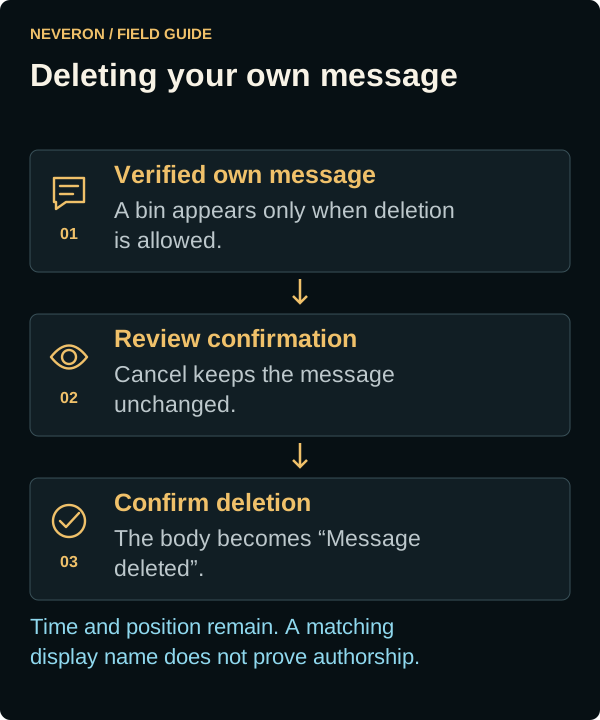
When deletion is enabled and you are the verified author, a small bin icon appears on your message. Select it and review the confirmation. Cancel or close the dialog to keep the message; confirm to replace its body with Message deleted.
Deletion keeps the message's position and time in the conversation. There is no age limit for verified author deletion, but older messages with unverified authorship cannot acquire deletion rights merely through a matching display name. Delegates can delete only their own eligible messages, not another user's posts from the same empire.
If access changes
Changing account, empire or faction can change the channels you may read or post in. Reconnect and let current history load before retrying a failed action. Use the game's moderation process for messages you cannot delete yourself.